

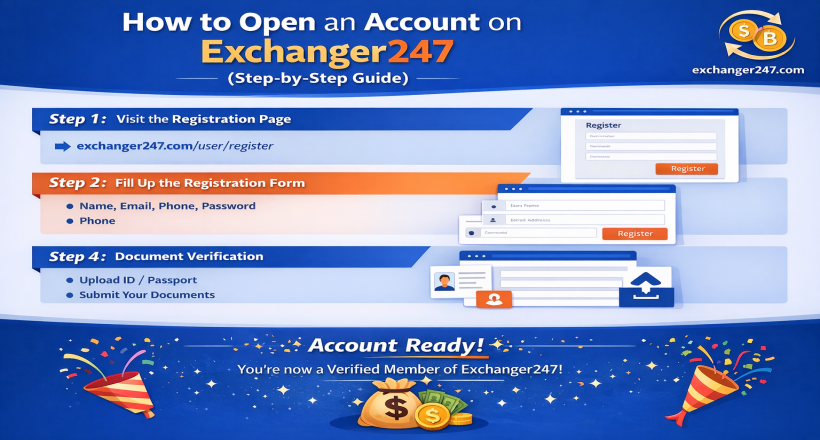
How to Open an Account on Exchanger247 (Step-by-Step Guide)
Step 1: Visit the Registration Page
Go to the official registration page:
👉 https://exchanger247.com/user/register
You will see the sign-up form.
Step 2: Fill out the Registration Form
Enter the required information:
Full Name
Username
Email Address
Phone Number
Password
Confirm Password
Make sure all information is correct.
Then click on the Register button.
Step 3: Complete the Next Form
After clicking register, you may need to:
Verify your email (if required)
Complete additional profile information
Fill in the required details properly and submit.
Step 4: Document Verification
To fully activate your account, you must complete document verification.
Try to exchange currency, select any of those, and click the Exchange Now button. It will redirect on document verification page.
National ID / Passport / Driving License
Clear photo (front and back if required)
Add your selfie with your document frontpart
Make sure the document is clear and readable.
Step 5: Admin Verification
After uploading your documents:
The admin team will review your documents
Once approved, your account will be fully verified
This process may take some time, depending on the verification queue.
Final Step: Account Ready 🎉
Once verification is complete, congratulations!
You are now a registered and verified member of Exchanger247.
You can start exchanging currencies securely.